
如需自定义导航栏,需增加配置:
{
  "usingComponents": {},
  "navigationStyle": "custom",
  "navigationBarTextStyle": "black"
}
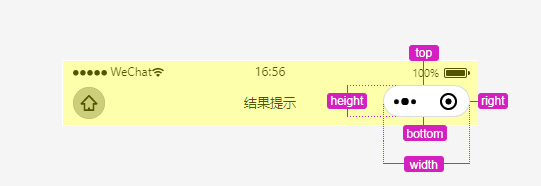
再通过微信文档提供的API方法,通过计算获取到胶囊的各项长度
// 获取导航栏高度
  getNavigationInfo: function () {
    var that = this;
    wx.getSystemInfo({
      success (res) {
        const menuButton = wx.getMenuButtonBoundingClientRect();
        that.setData({
          navInfo: {
            top: menuButton.top,
            right: res.windowWidth - menuButton.right,
            width: menuButton.width,
            height: menuButton.height,
            bottom: menuButton.top - res.statusBarHeight
          }
        })
      }
    })
  }
其中每项对应值如下图示:
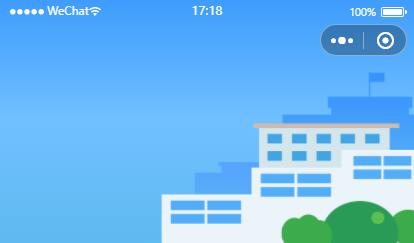
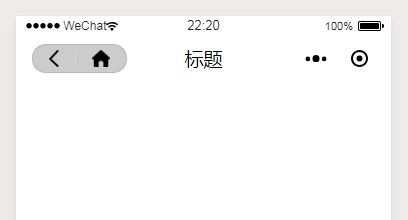
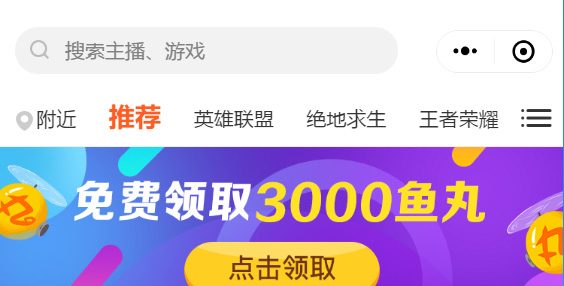
有了这个胶囊的位置等数据,我们就可以实现各种个性化的导航栏,如:
以上效果可以封装成自定义组件